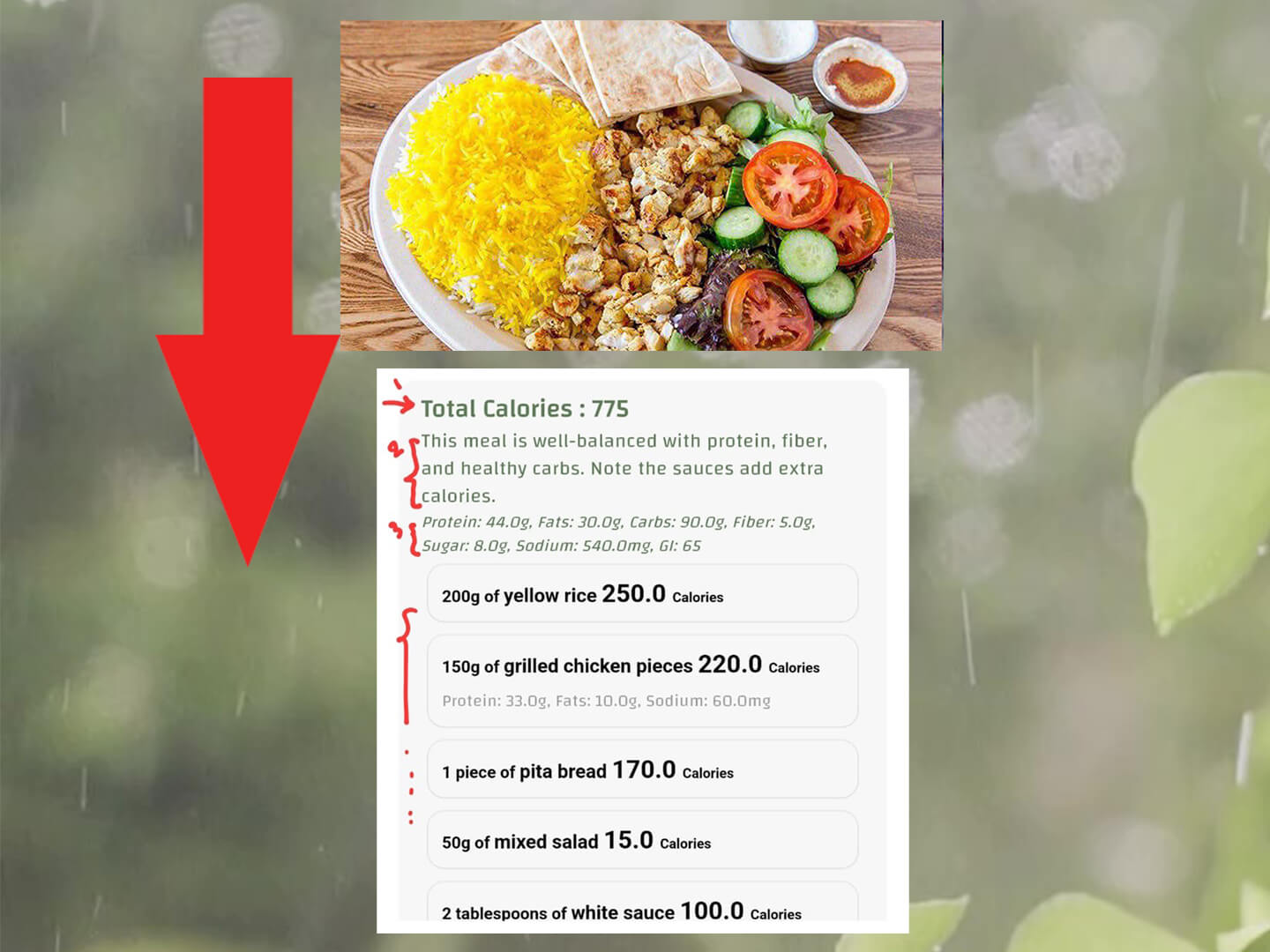
Calorie calculator by photo in CaloriMate using a food picture to estimate calories and macros

Calorie Calculator by Photo (Take a Picture of Food)

  • Comments

A calorie calculator by photo estimates calories by analyzing a meal picture. With CaloriMate, you can use an AI calorie counter to get calories and macros in seconds, then adjust portions if needed.

Quick Answer:

Yes—an app can estimate calories when you take a picture of food. Results are fastest for common meals, and accuracy improves when you confirm the portion size and ingredients.

Take a Picture. Get Calories.

Try CaloriMate to estimate calories + macros from a meal photo.

Open CaloriMate

How a Calorie Calculator by Photo Works

Photo calorie counters use AI recognition to identify food items in an image, then estimate a nutrition breakdown. Most apps combine AI with a food database. CaloriMate keeps it simple:

  1. Snap or upload your meal photo.
  2. Review the detected food items and portion sizes.
  3. Save the result to your day and track totals over time.

Examples (What the Calculator Usually Shows)

  • Grilled chicken + rice: often ~500–850 calories depending on rice portion and oil.
  • Mixed salad + dressing: often ~250–600 calories (dressings change everything).
  • Burger + fries: often ~700–1200 calories depending on size and sauce.

Use these numbers as a baseline, then adjust portion size inside the app for the best estimate.
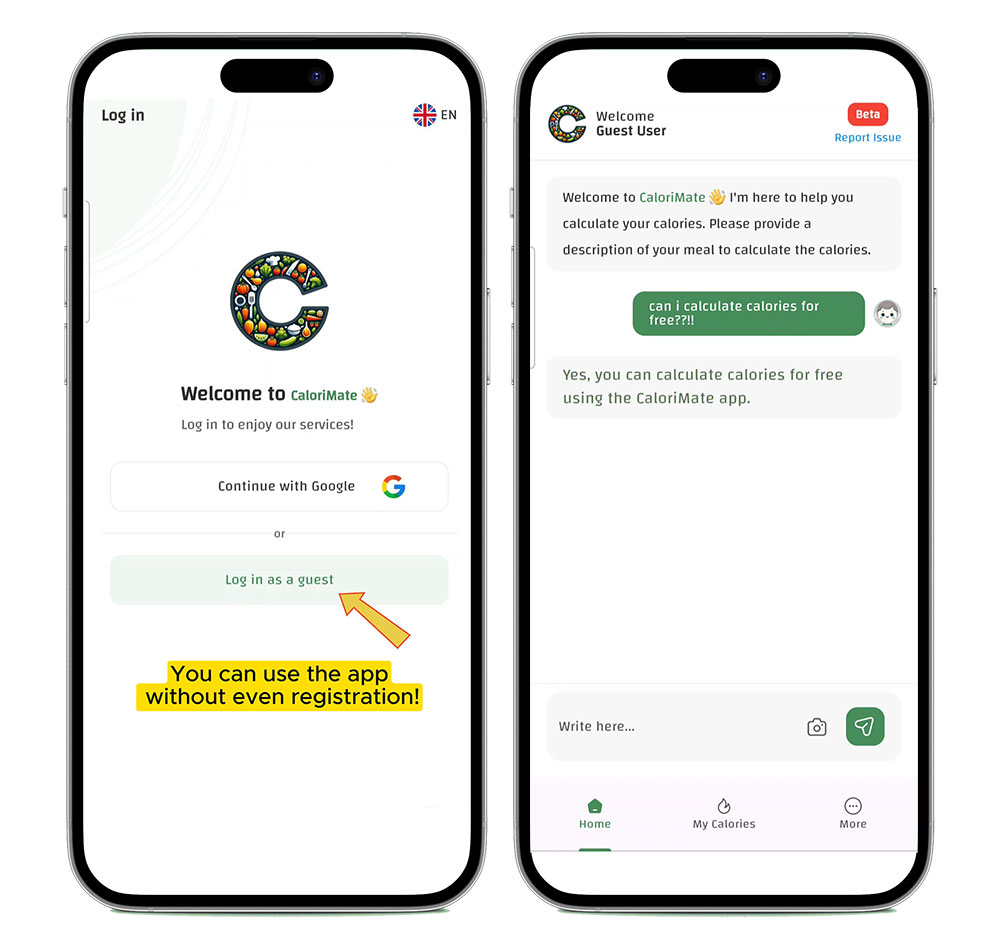
CaloriMate AI calorie calculator showing a meal estimate without requiring registration

Tips to Improve Accuracy

  • Take the photo in good light and avoid heavy shadows.
  • Include the full plate (not a close-up of one corner).
  • Confirm portions: small vs large rice servings changes calories fast.
  • Don’t forget oils, cheese, and sauces—these are common hidden calories.
  • Edit when needed: AI saves time, but your confirmation makes it smarter.

Want the full guide and all tools? Visit the main page: AI Calorie Counter.

FAQ

Is a calorie counter picture app accurate?

It can be very useful for daily tracking. Accuracy depends on portion size, cooking method, and hidden ingredients like oils and dressings. Confirming details gives the best results.

Can I change the food item if the AI guessed wrong?

Yes. The best photo calorie calculators let you edit the detected meal and portion sizes.

Do I still need manual logging?

For some meals, a quick manual adjustment is helpful. Think of AI as the fastest starting point.

Track Your Meals Today

Use CaloriMate to estimate calories and stay consistent—without stress.

Start With CaloriMate