 CaloriMate
AI calorie tracking.
For the food you actually eat.
Describe what you ate or add a meal photo in the CaloriMate app. Review the calorie and macro estimate, keep your meals together and build a routine that fits your day.
Free download. Optional in-app purchases. Local prices and limits are shown in your store.
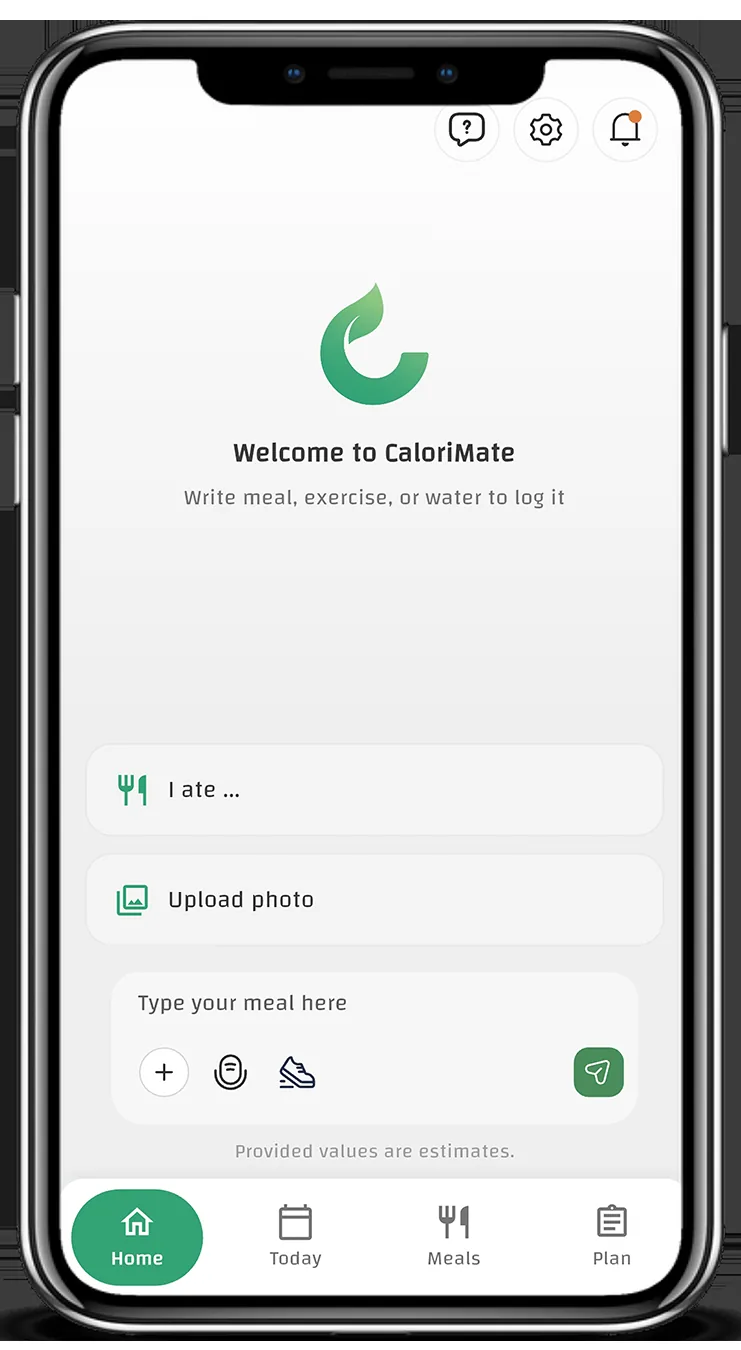
CaloriMate meal logging and nutrition estimates. App screen shown in English.
Start with a useful calculation.
Explore website calculators for portions, recipes and daily energy estimates. The website tools run on your device; photo meal analysis belongs in the app.
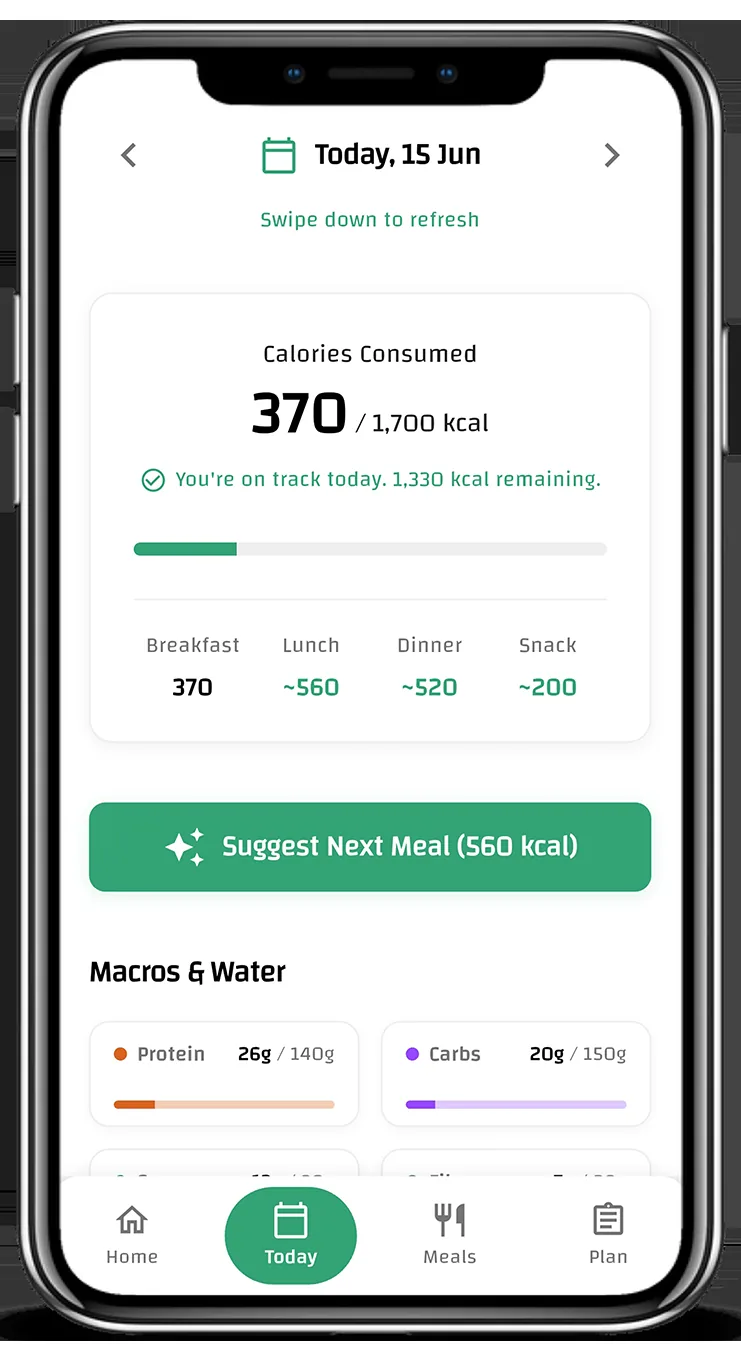
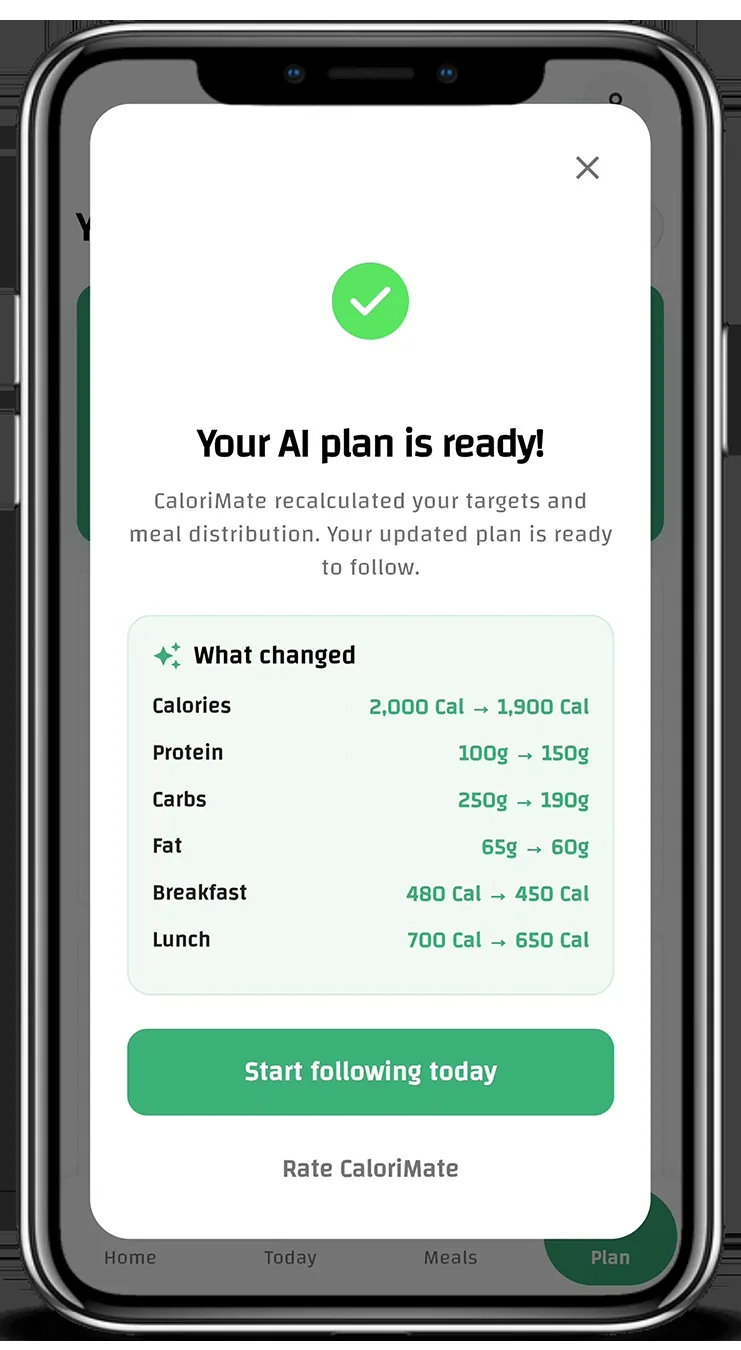
CaloriMate planning and progress screens, shown in English.
From a meal to a clearer picture.
Three practical steps for everyday food tracking in the app.
Describe or photograph your meal
Use a food description or a meal photo, with the portion and preparation details you know.
Review the estimate
Look at calories, protein, carbohydrate and fat. Treat the result as an estimate rather than a measurement.
Follow your day
Keep a meal history and review your intake and progress over time.
Understand what changes the number.
Portions, cooking and added ingredients matter. Read practical explanations with clear sources, assumptions and limits.
Raw or cooked? Match the weight.
Use a food reference that describes the state and edible amount you measured.
Food scienceWhy photo calorie estimates vary.
Food identity, portion size and hidden ingredients are separate uncertainties.
Food scienceWhat is behind a nutrition number?
Distinguish measured, label-based, calculated and unvalidated food data.
Read the current store information.
Check the official store listing for current features, purchase options and user reviews. Individual experiences provide context, not an accuracy test.
A question about the app or a guide?
Email CaloriMate support. Include the page URL for a content issue or your app version for a technical question.
Help and supportPut the understanding into practice.
Describe a meal or add a photo in CaloriMate, review the estimate, and keep track of your day.
Free download. Optional in-app purchases. Local prices and limits are shown in your store.