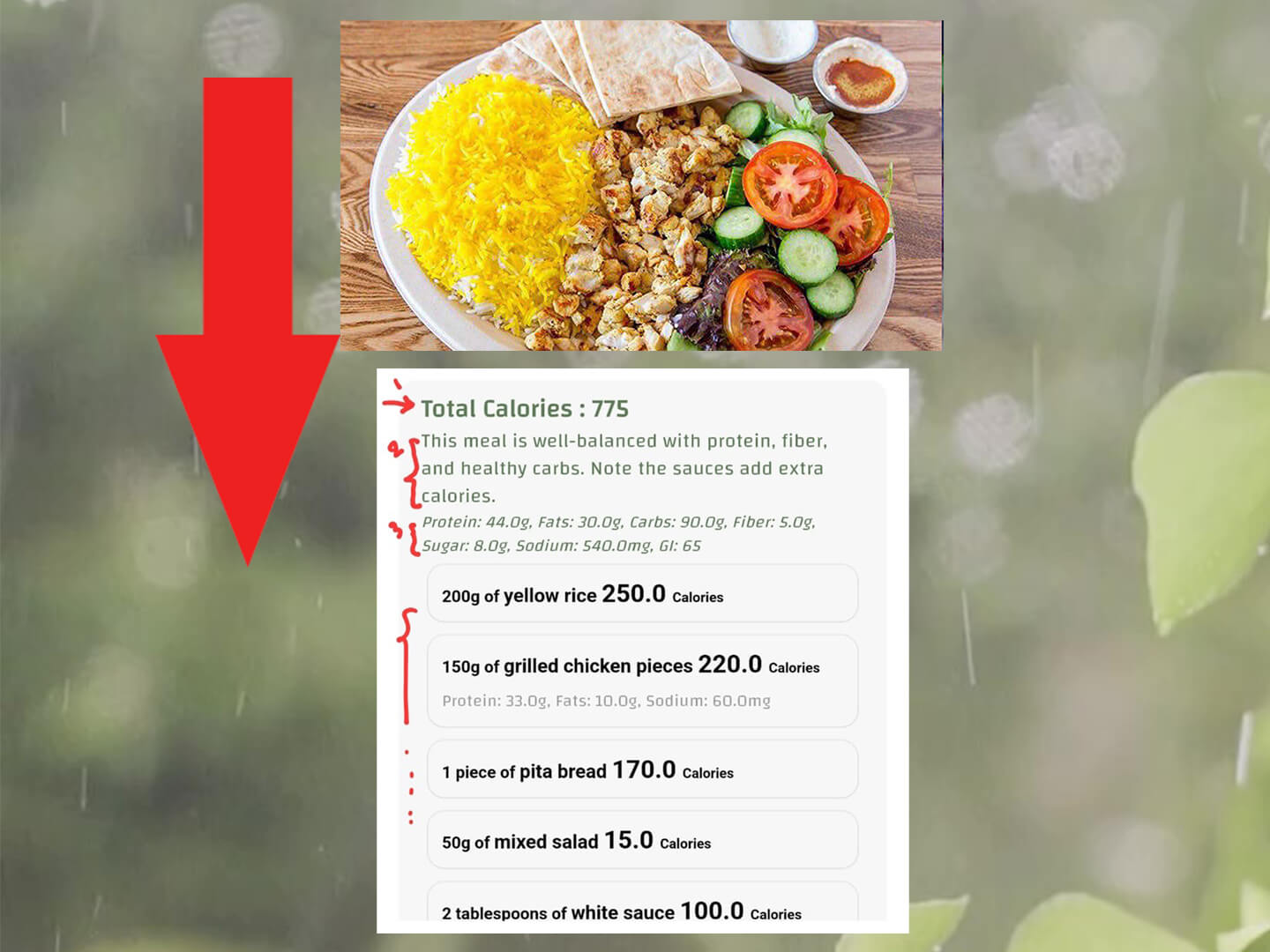
A picture calorie counter (also called a photo calorie counter) estimates calories by analyzing a photo of your meal. If you want the complete guide, start with our AI calorie counter page and then come back here for photo-specific tips.
A photo calorie counter uses AI to recognize foods and estimate calories and macros. The most accurate results come from a clear photo, correct portion size, and quick edits when needed.
CaloriMate estimates calories and macros in seconds so you can log meals faster.
Open CaloriMateMost photo calorie counter apps follow the same flow:
Here are realistic calorie ranges photo counters often return (depends on portion size and cooking oils):
If the estimate looks high/low, it usually comes from sauces, oils, cheese, or portion size. A quick edit makes it accurate enough for daily tracking.
Want to go deeper? Go back to the main guide: AI Calorie Counter.
They’re accurate enough for most people when the photo is clear and you confirm portion sizes. Oils, sauces, and mixed meals can change calories a lot—so small edits make a big difference.
Mixed dishes like pasta with sauce, stews, sandwiches with hidden ingredients, and meals cooked with lots of oil.
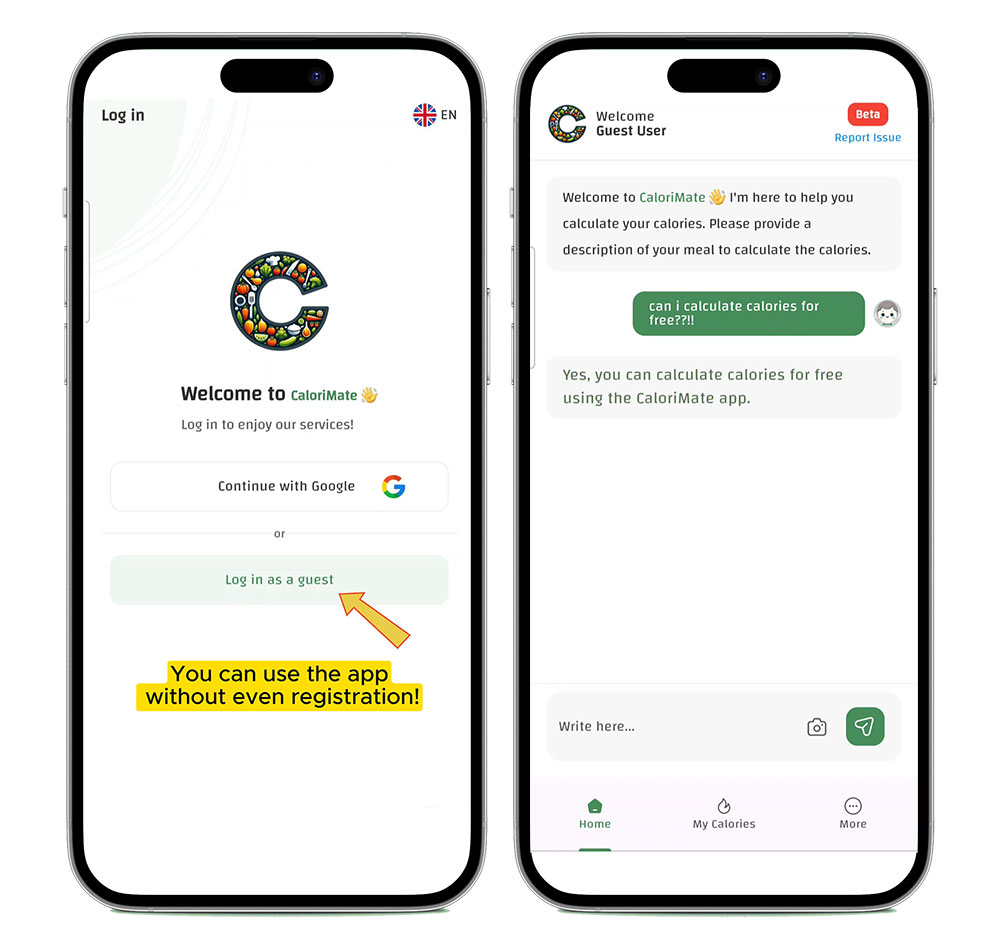
CaloriMate focuses on a simple experience so you can start tracking quickly. Open the app and begin logging meals right away.
Try CaloriMate as your photo calorie counter and keep your daily log consistent.
Start With CaloriMate