
A meal calendar is the easiest way to stay consistent. Here’s how to build a weekly meal planner that works with real life.
Choose a weekly view, plan your main meals first, repeat 2–3 meals, and leave one flexible day. Keep it simple so you can follow it.
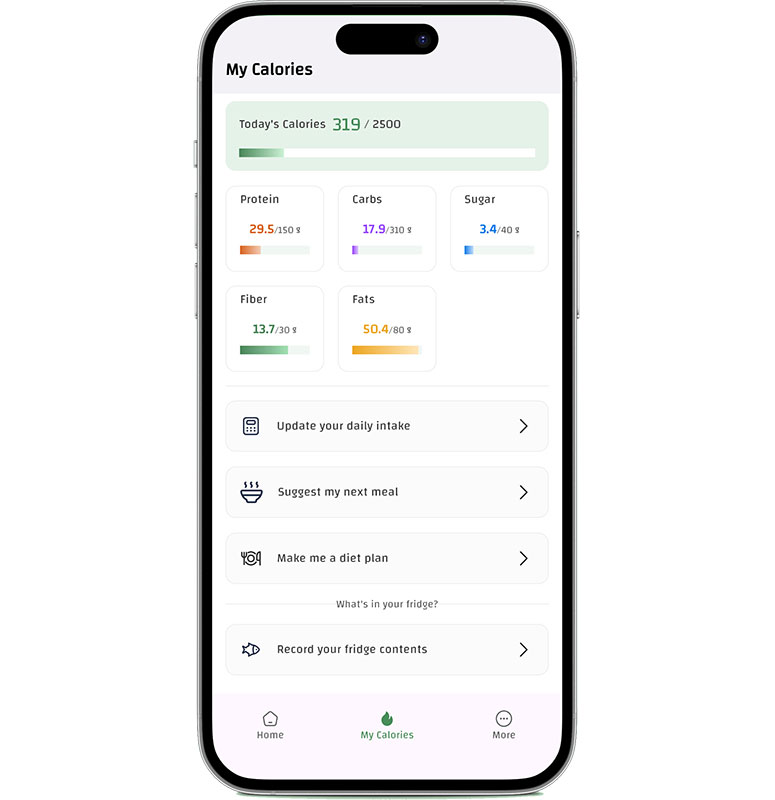
Create meals that match your calorie and macro goals — and keep it simple.
Open CaloriMateTip: For the full guide, start here: Meal Planner App.
A good meal calendar makes shopping easier because you buy the same core items each week. Start with a short list: 2 proteins, 2 carbs, 3 veggies, fruit, and one snack option.
If your goal is calorie control, you may also like: Calorie Counter for Food.
If snacks usually break your goal, plan one snack per day so it’s controlled.
Keep 1–2 meals flexible so you can swap without guilt.
Continue reading the full guide: Meal Planner App.
Open CaloriMate and plan meals for the next 7 days in minutes.
Open CaloriMate