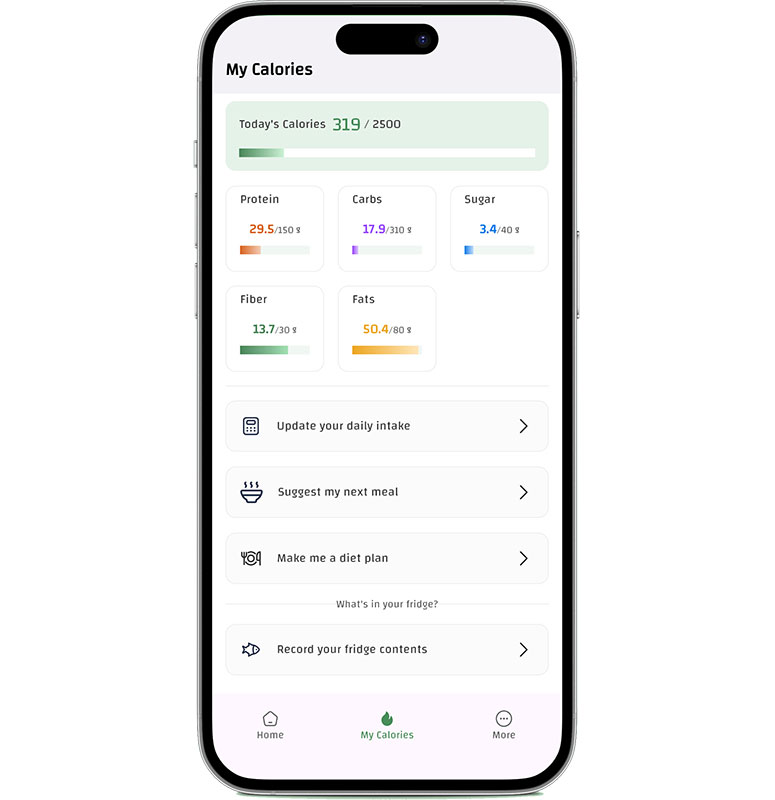
A personalised meal plan should feel realistic — not strict. Here’s how to build a plan you can repeat every week using CaloriMate.
Quick Answer:
Start with 2–3 repeat meals, choose your protein first, add easy sides, and leave 1–2 flexible meals for real life. Then track calories/macros lightly to stay aligned with your goal.
Plan meals with CaloriMate
Create meals that match your calorie and macro goals — and keep it simple.
Open CaloriMate
Tip: For the full guide, start here: Meal Planner App.
Step-by-step: build a personalised meal plan
- Pick your structure: 2 meals/day, 3 meals/day, or 3 meals + snack.
- Choose 2 repeat meals: meals you can repeat 3–5 days/week.
- Decide your protein target: it keeps you full and supports body goals.
- Add simple carbs and veggies: rice, potatoes, salad, fruit.
- Reserve one flexible meal: for weekends, social days, or takeout.
The secret is repetition. A good plan feels boring in a good way — because it’s easy to follow.
Personalised meal plan examples
- Busy schedule: eggs + toast, chicken + rice, yogurt + fruit snack.
- High-protein focus: Greek yogurt breakfast, tuna bowl lunch, lean meat dinner.
- Low-effort plan: two main meals + one planned snack (instead of random snacks).
Make your plan easier to follow
- Plan with your calendar: match meals to your workdays and gym days.
- Batch prep one thing: cook protein for 2–3 days at once.
- Keep emergency meals: frozen meals or quick options for busy nights.
- Track lightly: tracking once per day is better than quitting in 2 days.
For macro-based meal planning, check: Free Macro Counter App.
FAQ
Do I need to plan every meal?
No. Planning your biggest meals (lunch and dinner) gives you most of the benefits.
How long should I follow one plan?
At least 1–2 weeks. Then adjust portions based on results, not daily mood.
Continue reading the full guide: Meal Planner App.
Start your weekly plan
Open CaloriMate and build a simple personalised meal plan today.
Open CaloriMate