 CaloriMate
Use meal context rather than a fixed timetable
Iftar, Suhoor and food eaten later in the evening describe meal context, while local dates and times vary. This guide does not publish a universal fasting schedule or prayer times. Use appropriate local information for those questions.
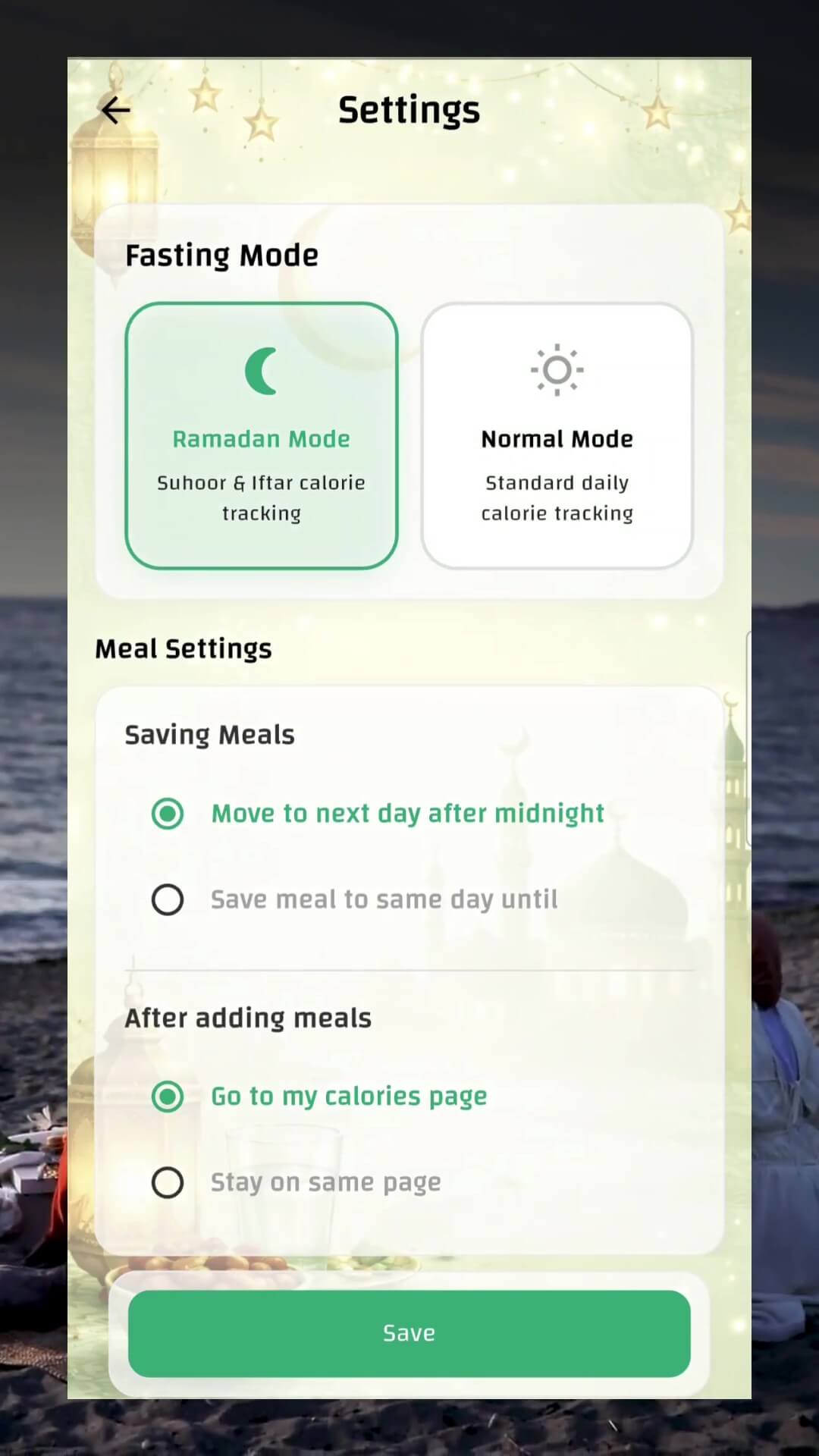
CaloriMate's official iOS version history describes Ramadan Mode feedback based on meal timing, including Iftar, Suhoor and post-Iftar, alongside manual water logging. Check your installed version and available settings. Timing context helps interpret a record; it does not independently measure the nutritional content or establish whether fasting is medically suitable.
Record what was eaten across the evening
A meal can happen in several stages. If you begin with a drink and a small item, eat a main dish later and return for another portion, record those quantities without counting the same plate twice. Add the actual date and context so an after-midnight entry remains understandable in your history.
For shared dishes, estimate your share of the edible rice, meat, soup or dessert. The full serving platter and your plate are different units. Leftovers and uneaten sauce matter when moving from food served to food consumed.
An illustrative shared-recipe calculation
Suppose a home soup is calculated as 1,200 kcal in a 2,000-g cooked batch. A 250-g portion contributes 150 kcal under that recipe calculation. If you later eat another 150 g, it adds 90 kcal, for 240 kcal of that soup in total.
These numbers explain portion accounting; they do not describe a prescribed Iftar or a standard soup. Add bread, toppings or drinks separately when they are not already in the recipe. If the soup is not evenly mixed, component distribution can make the weight-based average less representative.
Log water as a record, not a medical target
Manual water logging can help you record amounts you choose to enter. Check the unit and avoid duplicating a glass already included elsewhere in the diary. A log can show recorded intake without proving total fluid balance or determining an appropriate personal requirement.
Do not interpret an app's timing feedback as advice about medication, dehydration symptoms or whether to fast. Those questions depend on individual circumstances and should be addressed with a qualified health professional when relevant.
Keep the workflow flexible
Save repeat recipes with their ingredients and cooked yield, then adjust the portion for each meal. Use photo or text logging when convenient and add details the image cannot show, such as the recipe's oil or a separately served sauce.
Review patterns only when that is useful: entries recorded twice, uncertain shared portions or foods whose preparation changed. The purpose is an understandable diary, not a judgment of observance or a requirement to reach a particular app score. Explore the current CaloriMate store options for available features.
Common questions
Does this page give fasting or prayer times?
No. Timing varies by location and date. This guide explains meal records and the published app timing context.
Can AI feedback determine whether I should fast?
No. App feedback and food records do not establish medical suitability or medication advice. Seek individualized qualified guidance when relevant.
Sources & methods
- CaloriMate: United States App StoreUS iOS public listing; checked 29 October 2026. Displayed purchases are examples, not a universal offer.
- NCI: dietary assessment principlesRandom error, systematic bias and changes in eating behavior caused by recording.
- USDA FoodData Central data documentationDifferent food data types have different provenance, preparation detail and completeness.